
Top 10 PDF to PowerPoint Converters in 2025 – The Best Free & AI Tools Compared
Presentations are the best way to present new information and ideas, right? But sometimes, you don’t have enough time to do extensive research and do all the formatting stuff yourself. After all, being a student or corporate worker is not that easy!
That’s where PDF to PowerPoint converters come into play! They come with a different approach to make things easier. Instead of stressing over layout, fonts, and formatting, you can simply write a prompt or upload a PDF, and these tools will handle the rest.
So today, we’ve compiled the best tools that convert PDFs into PowerPoint while keeping your original images, graphs, tables, and more. So, are you excited to know what we have got on our list? Just stay along!
The Importance of PDF to PowerPoint Conversion
PDF is good for read-only documents that you can compress into a manageable file size. But here’s the truth: they are not as dynamic and smooth as PowerPoint presentations. And of course, you won’t be able to edit anything on PDFs either.
So in this scenario, converting PDF to PPT looks the most appealing option. The reason is obvious! You get to add creative details, new templates, valuable information, and styles according to the interests of your audience and keep them hooked.
In addition, it doesn’t lock your content, like PDF software, and allows users to organize their slides the way they prefer, anytime. The best PDF to PPT converter tools are highly precise and quick, which means you won’t need to worry about the layout being distorted.
Features to Look for in a PDF to PowerPoint Converter
A PDF to PowerPoint Converter by your side ensures that you have the best companion in times of hectic, time-consuming presentations. But it’s also important to look for a few important features in the tool you opt for to have a smooth experience.
Here are the features you must consider in the tool:
- High Accuracy: The converter you select should have the ability to preserve the original fonts, layout, and formatting.
- Ease of Use: A simple interface is important. The tool should come with drag-and-drop functionality to make the conversion quick.
- Editable Output: Your converted file should be completely editable in PowerPoint slides without any exceptions.
- Customization Options: After the conversion, it should allow you to edit text, resize images, change colors, templates, and more.
Top Free PDF to PowerPoint Tools in 2025
With plenty of tools in the market, it’s not simple to choose the one that best fits your needs. That’s why we have tested some PDF to PowerPoint tools and listed the most reliable ones below.
So grab your cup of coffee, and let’s have a look!
1) TeraBox
01-PDF to PowerPoint converter
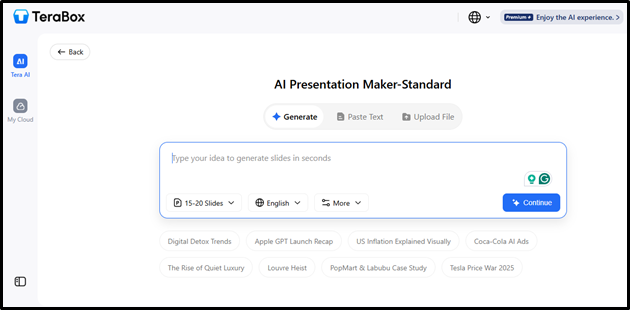
Our first choice is none other than TeraBox. Its AI-powered PDF-to-PowerPoint conversion makes creating slide decks from PDFs quick, easy, and hassle-free.
Pros:
- Ideal for getting editable slides
- Integration with cloud storage
- Minimal manual effort
Cons:
- The free version may limit slide counts
2) Plus AI
02-PDF to PowerPoint converter
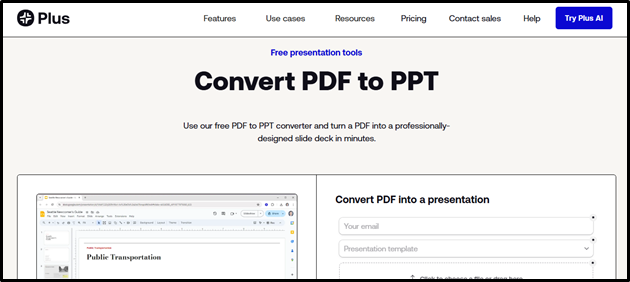
Plus AI is another great tool for people who want to create presentations from PDFs. It can generate full presentations, rewrite your slides, and even format your existing information.
Pros:
- Professional designs available
- Google Slides integration
- Free trial available at $0
Cons:
- Formatting issues can occur
3) Gamma
03-PDF to PowerPoint converter
Gamma is another leader in the market. It has the ability to even scan the internet for further info to convert your PDF content into presentation slides that stand out.
Pros:
- Advanced embedding options
- Bulk edit with AI features
- Easy PDF to PPT export
Cons:
- Export limitations
4) Soda PDF
04-PDF to PowerPoint converter
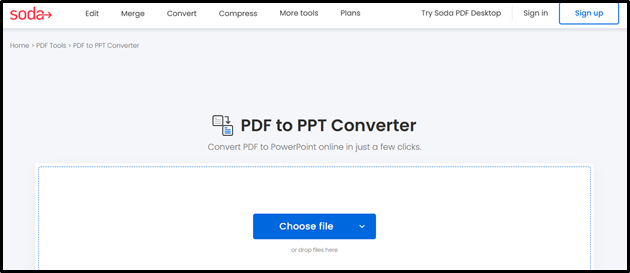
Users can smoothly convert PDF to PowerPoint with Soda PDF’s software. This tool highly improves work efficiency and takes it to the next level with its OCR technology.
Pros:
- Supports batch processing
- Works on different platforms
- Great OCR technology
Cons:
- There are some advertising pop-ups
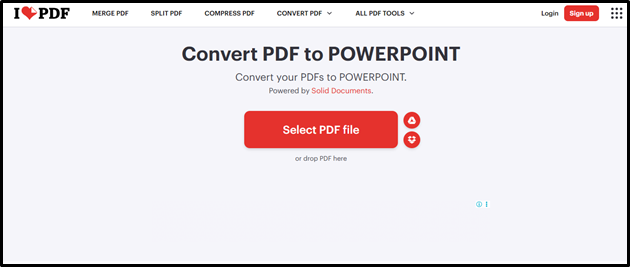
5) iLovePDF
05-PDF to PowerPoint converter
This is an online converter that also supports offline desktop versions for extra convenience. With it, you can convert PDFs not only to PPT but also to Excel and Word.
Pros:
- Keep the original quality
- Supports multiple PDF conversions
- Suitable for online and offline use
Cons:
- Limited free version
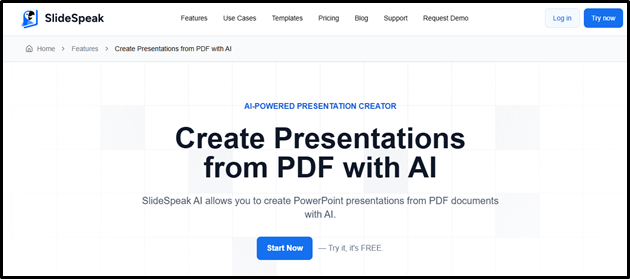
6) SlideSpeak
06-PDF to PowerPoint converter
SlidesSpeak lets users convert various file types into presentations. You can even upload existing PPT files to improve your format with its incredible AI technology.
Pros:
- Versatile file compatibility
- AI feature for efficiency
- Smooth conversion process
Cons:
- Fewer customization options
7) pdfFiller
07-PDF to PowerPoint converter
It has long been a top choice for many to edit, convert, and even create new documents. When you use this tool, you get a presentation that mimics your original document.
Pros:
- Boosts work efficiency
- User-friendly interface
- Online collaboration tools
Cons:
- Not a budget-friendly choice
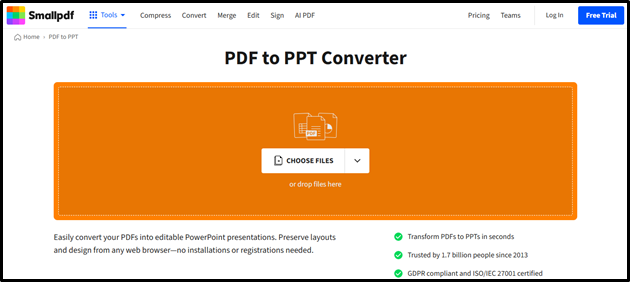
8) SmallPDF
08-PDF to PowerPoint converter
SmallPDF is another great tool on this list. It primarily operates as a web-based platform, but you can also use its offline feature in the premium version.
Pros:
- Support for OCR
- Offline version included
- PDF management tools
Cons:
- Bulk conversion takes more time
9) Canva
09-PDF to PowerPoint converter
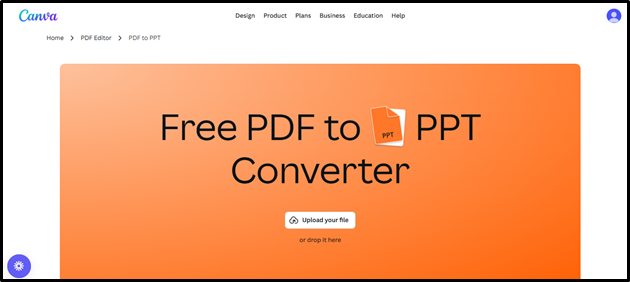
If you want to enhance your PowerPoint presentations after conversion, Canva can be your best bet. It can also help create PPT slides from scratch with a wide range of designs.
Pros:
- Rich design template library
- Extensive customization options
- Intuitive user interface
Cons:
- Inconsistencies in formatting
10) Decktopus AI
10-PDF to PowerPoint converter
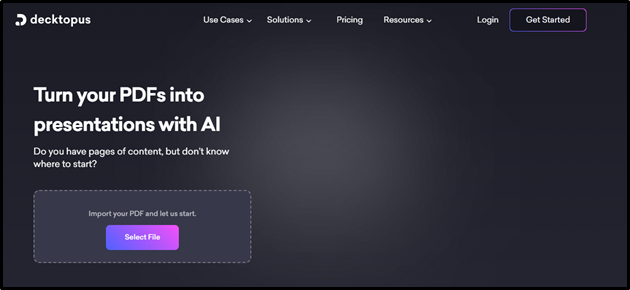
Decktopus AI lets you upload a PDF and instantly turn it into an editable, design-rich PowerPoint with minimal effort.
Pros:
- Audience-aware layouts
- Good for repurposing PDFs
- Eliminates manual formatting
Cons:
- The free version has restrictions
Why Terabox Stands Out?
Tera AI Presentation Maker stands out from the competition because it also comes with cloud convenience, rich customization, and AI conversion. That means you can rely completely on this tool for a lot of purposes.
Its intuitive drag-and-drop interface and all-inclusive theme library also save hours of work. Especially for busy fees, this tool is a lifesaver, as you won’t need to wrestle with formatting and layout at all.
Step-by-Step Guide – How to Convert PDF to PPT
With TeraBox, converting PDF to PPT has been easier than ever before. Let’s discuss the simple steps on how to convert PDF to PPT efficiently:
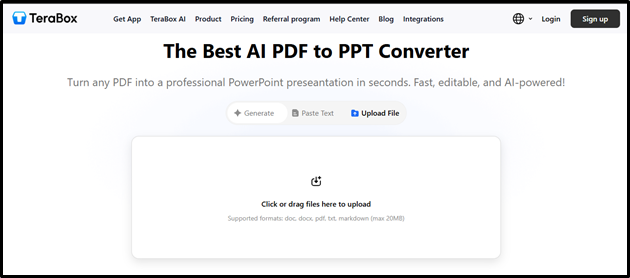
Step 1. Go to the TeraBox’s AI PDF to PowerPoint Converter website.
11-PDF to PowerPoint converter
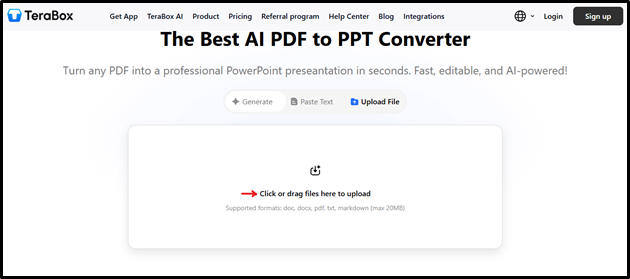
Step 2. Drag or upload the file that you want to convert.
12-PDF to PowerPoint converter
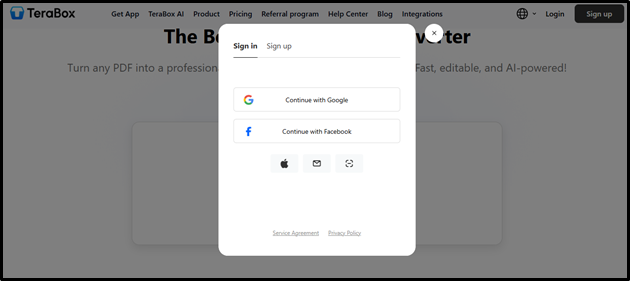
Step 3. Then, you need to sign up or log in with Google or Facebook.
13-PDF to PowerPoint converter
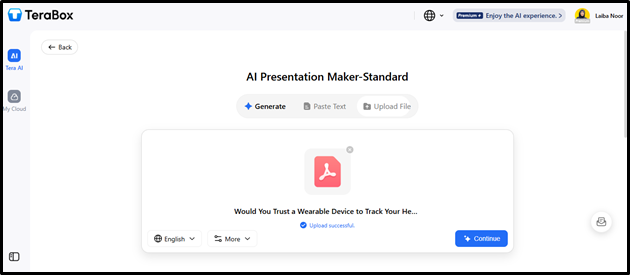
Step 4. Click on “Continue” once the file is uploaded successfully, and the conversion process begins.
14-PDF to PowerPoint converter
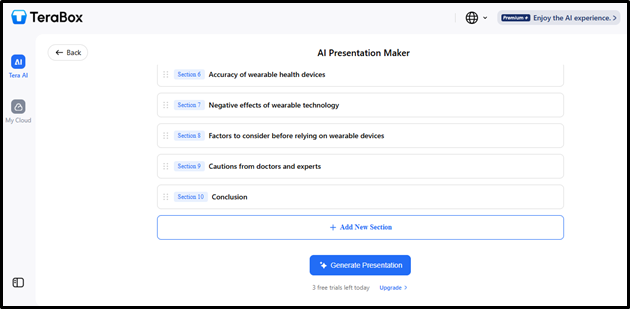
Step 5. The tool will create presentation sections within seconds. You can add new sections as well. And then, press “Generate Presentation.”
15-PDF to PowerPoint converter
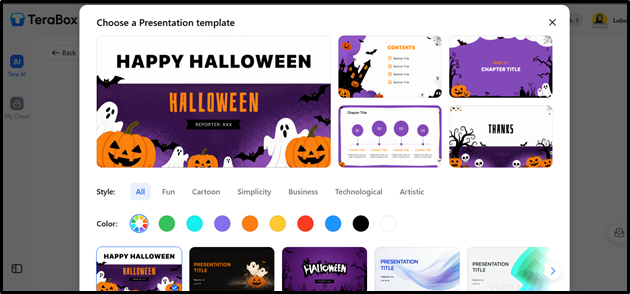
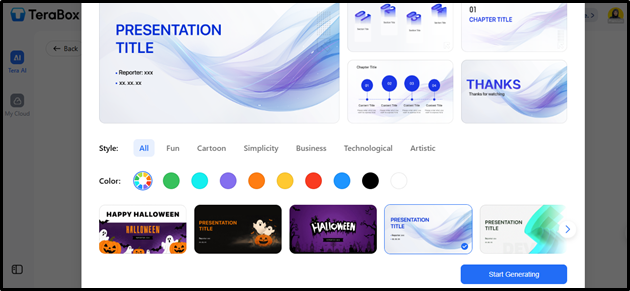
Step 6. A library of themes will show up after that. Select the template, style, and color of your preference.
16-PDF to PowerPoint converter
Step 7. After selecting everything, click on “Start Generating.”
18-PDF to PowerPoint converter
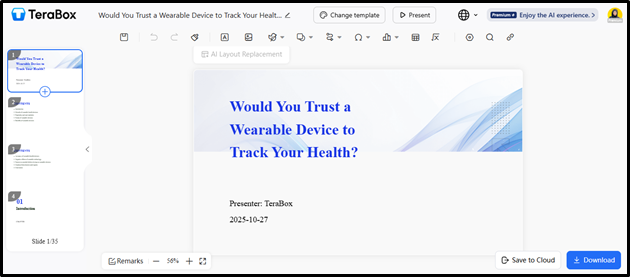
Step 8. You will land on the new tab with an appealing presentation, created completely from your PDF, but in a way that you can present it nicely in any setting.
19-PDF to PowerPoint converter
Step 9. Download your presentation in PPT format after you’ve finalized everything, or click “Save to Cloud” if you don’t wish to download it yet.
Conclusion
In a nutshell, when someone has the right PDF to PowerPoint converter to rely on, they can really enhance their presentation quality and productivity. So don’t forget to try the best free options we mentioned above, and see what works best for you.
But if you want a quick answer to which one can fit your needs and help with reliable, fast, and accurate conversions, TeraBox is your answer. It ensures that all your presentation work is well managed while you focus on storytelling and other chores.
So what are you waiting for? Try this tool today, and enhance your presentations with the best AI features now!