
Top 5 AI Tools That Make Content Creation Easier Than Ever (2025 Edition)
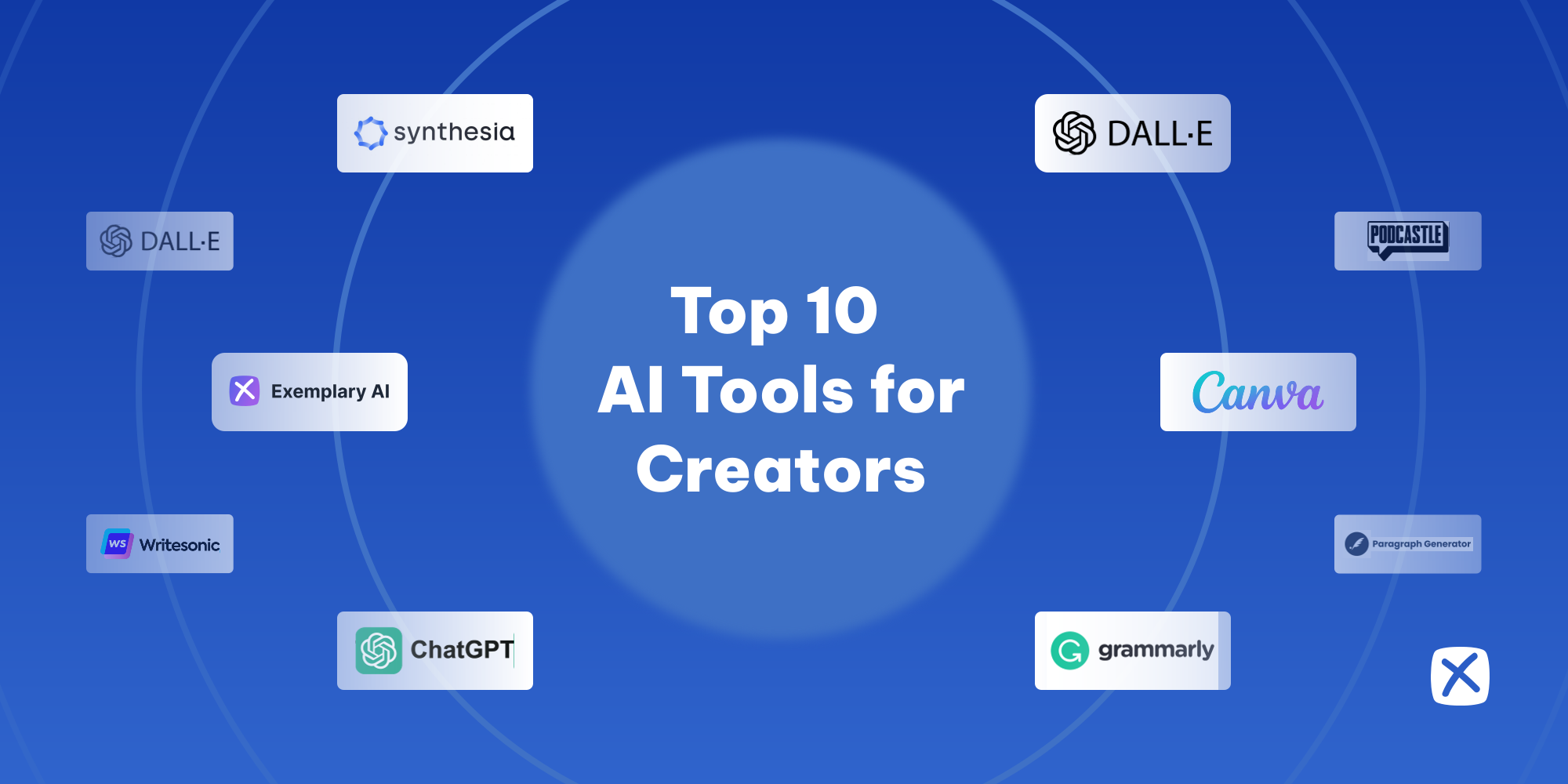
In the fast-moving digital era, content creation is no longer limited to professionals with expensive tools or years of experience. Thanks to Artificial Intelligence (AI), anyone can create engaging videos, blog posts, designs, and even voiceovers — all from a laptop or smartphone.
AI tools have become the secret weapon for YouTubers, social media influencers, marketers, and bloggers. They don’t replace creativity — they enhance it, making the process faster, smarter, and more efficient. Also you can use Alight Motion MOD APK for your vides editing.
In this guide, we’ll explore the Top 5 AI Tools that make content creation easier than ever — tools that can save hours of effort while helping you produce professional-quality results.
1. ChatGPT — The Ultimate AI Writing Assistant
When it comes to AI-powered writing, ChatGPT is unmatched. Developed by OpenAI, it helps creators brainstorm ideas, write SEO-friendly articles, craft captions, or even generate full blog posts within seconds.
What It Does
- Writes long-form articles, social media captions, and ad copy
- Generates topic ideas, FAQs, and outlines
- Helps with translations and rewriting old content
Why It’s Useful
Instead of spending hours on writer’s block, ChatGPT gives you instant inspiration. Whether you’re a blogger, YouTuber, or digital marketer, this tool helps you create consistent, high-quality content effortlessly.
Pro Tip: Combine ChatGPT with Google Trends or Surfer SEO for perfectly optimized articles that rank faster.
2. Canva Magic Studio — AI for Graphic and Video Design
Canva’s Magic Studio has revolutionized design for non-designers. It allows you to create professional visuals, videos, and social media posts with simple drag-and-drop tools — now powered by AI.
Key Features
- Magic Resize: Instantly adapt designs for different platforms (YouTube, TikTok, Instagram)
- AI Image Generator: Create unique visuals from text prompts
- Magic Write: Generate post captions, descriptions, and titles automatically
Why It’s Useful
Designing eye-catching thumbnails, banners, or reels no longer requires Photoshop skills. Canva’s AI helps you produce studio-quality visuals in minutes.
Pro Tip: Set up your “Brand Kit” once, and Canva will keep all your colors, fonts, and logos consistent across every design.
3. Pictory AI — Turn Text into Videos
If you’re into video content but don’t have editing skills, Pictory AI is a must-try. It transforms blog posts, scripts, or articles into short, professional videos — automatically.
What It Does
- Converts text into videos using AI templates
- Adds background music, captions, and visuals automatically
- Lets you edit videos through a simple text-based editor
Why It’s Useful
Perfect for YouTubers, TikTok creators, and digital marketers, Pictory helps you repurpose written content into engaging videos that grab attention fast.
Pro Tip: Always choose short, 15–60 second clips for social media platforms to maximize engagement.
4. Jasper AI — Copywriting & Marketing Genius
Jasper AI is a premium writing assistant built specifically for marketers and entrepreneurs. It helps you create conversion-focused copy that drives sales and clicks.
Key Features
- Writes SEO-friendly blog posts, ad copies, and product descriptions
- Offers built-in templates for social media and email marketing
- Supports 25+ languages
Why It’s Useful
If you’re running a business or online store, Jasper can help you create persuasive content in a few clicks. It’s like having a professional copywriter available 24/7.
Pro Tip: Pair Jasper with Surfer SEO for content that’s not just creative — but also optimized for Google ranking.
5. Synthesia — Create Videos Without a Camera
Tired of being on camera? Synthesia lets you generate professional videos using AI avatars and voices. You can simply type your script, choose an avatar, and get a realistic video presenter — no camera or studio required.
What It Does
- Generates AI avatars that speak your script in natural voices
- Offers 120+ languages and accents
- Allows video customization for branding and tutorials
Why It’s Useful
Businesses, teachers, and creators can make tutorials, explainer videos, and product demos without filming. It’s an incredible time-saver that looks professional and consistent.
Pro Tip: Use custom avatars and branded templates for a unique professional identity.
Bonus: Other Notable AI Tools
While these five stand out, here are some honorable mentions worth exploring:
- Descript – Edit audio and video by editing text
- Runway ML – AI video editing for advanced creators
- Copy.ai – AI writing tool for quick social media captions
- Midjourney – AI image generation for visual storytelling
Conclusion
AI is no longer the future — it’s the present reality of content creation. Whether you’re designing graphics, writing blogs, or making videos, these AI tools help you save time, improve quality, and unlock creativity like never before.
The key to success in 2025 is simple: don’t work harder — work smarter with AI.
FAQs
Q1: What is the best free AI tool for content creators?
ChatGPT (free version) and Canva are among the best free tools for writers and designers.
Q2: Are AI tools beginner-friendly?
Yes! Most AI tools are built with simple interfaces — anyone can start without technical skills.
Q3: Can AI replace human creativity?
No. AI assists and speeds up the process, but human ideas and emotional touch are still irreplaceable.
Q: What’s the main difference between Canva and Alight Motion?
A: The key difference is in their purpose. Canva is mainly designed for creating graphics, social media posts, and short videos using ready-made templates, while Alight Motion focuses on professional video editing and motion graphics with layers, keyframes, and animation effects.